Template Literals

What Are Template Literals?

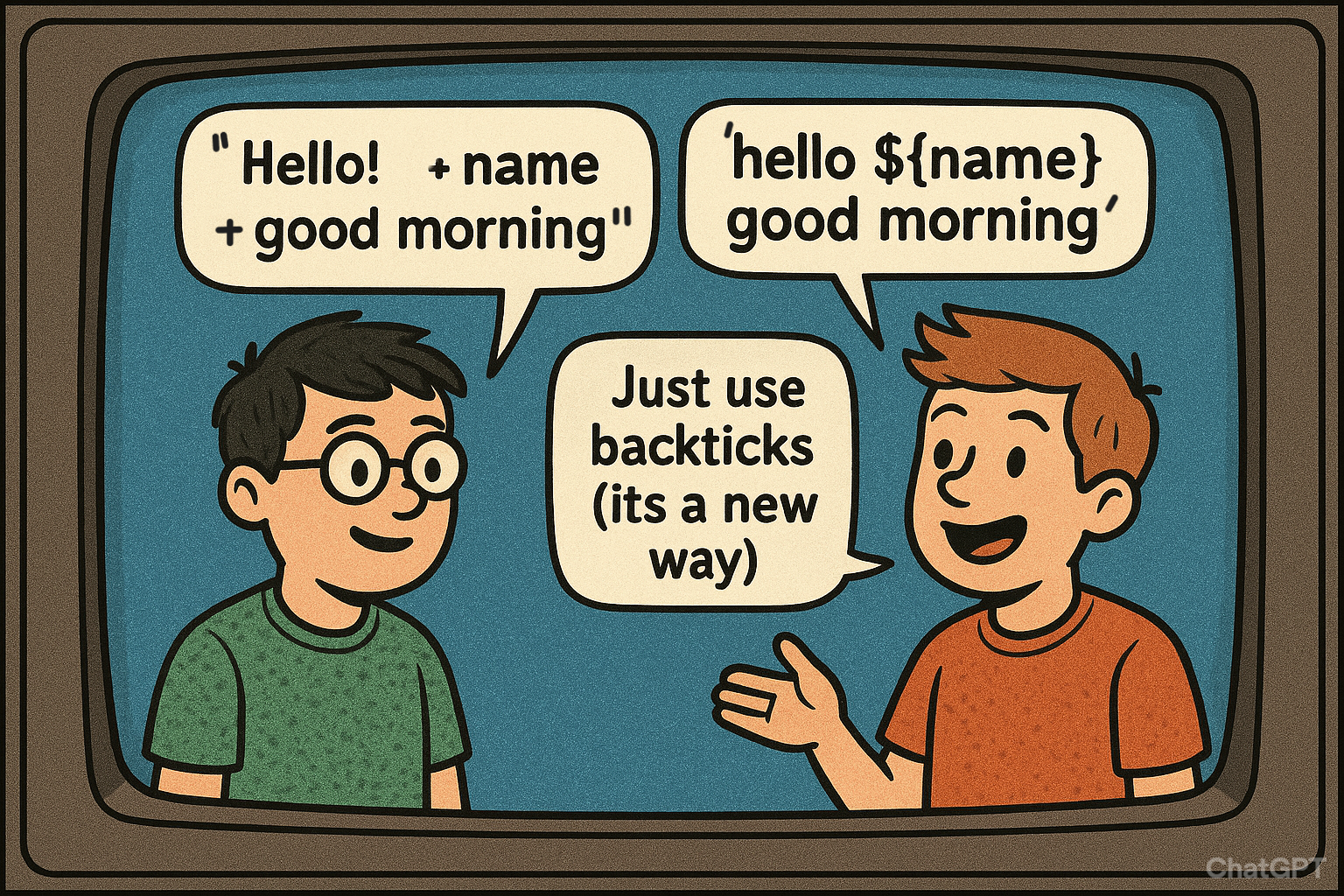
Template literals are string literals that allow embedded expressions, multi-line strings, and easier string construction.

Features of Template Literals

Advantages

Disadvantages

Real-Life Use Cases

Reference Image

Default Function Parameters in JavaScript

Definition

Default function parameters let you set a fallback value for a function’s arguments if no value (or undefined) is passed. Introduced in ES6 (2015), this feature makes functions safer and cleaner by avoiding errors when arguments are missing.

Syntax

function functionName(param1 = defaultValue, param2 = defaultValue) {
  // function body
}

Example 1: Basic Default Parameter

function greet(name = "Guest") {
  console.log(`Hello, ${name}!`);
}

greet(); // Hello, Guest
greet("Alice"); // Hello, Alice

Explanation:
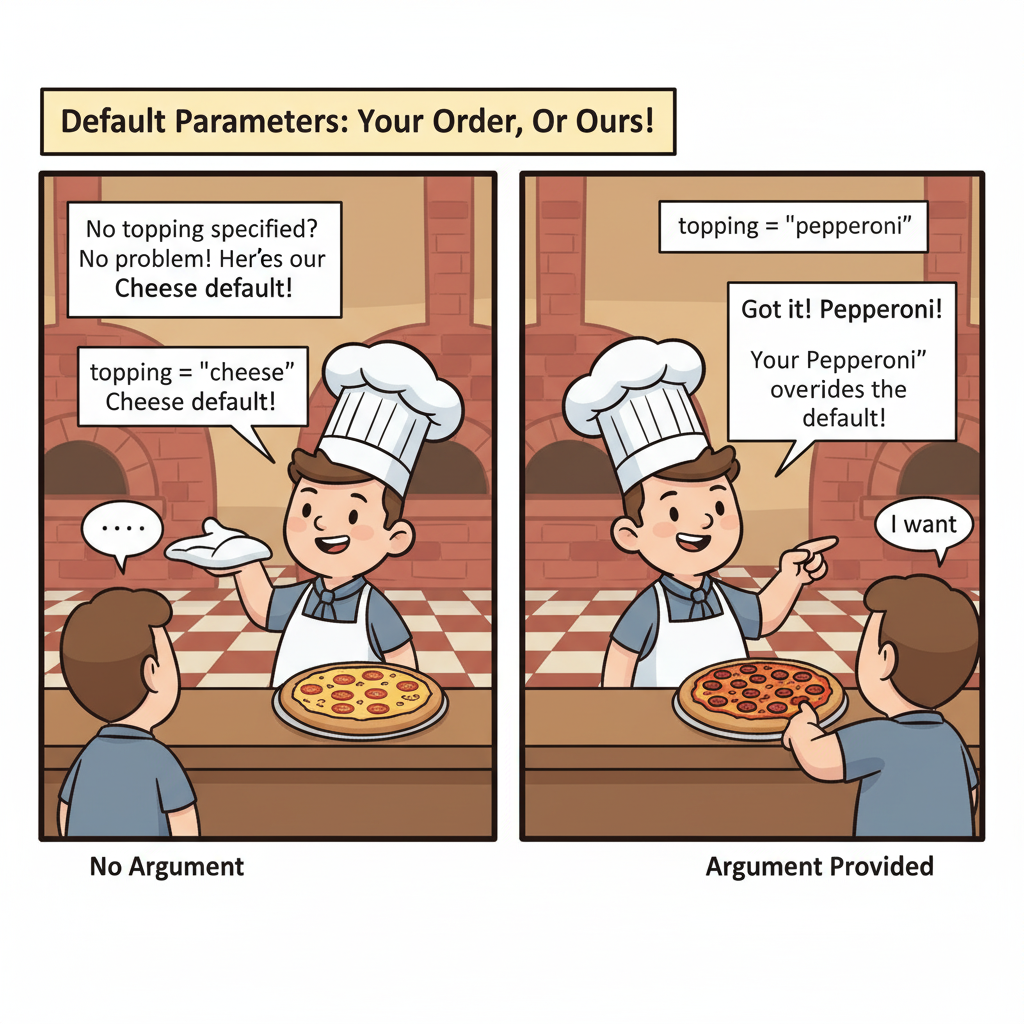
If no argument is passed → name defaults to "Guest".
If "Alice" is passed → it overrides the default.

Example 2: Multiple Parameters

function order(item = "Coffee", quantity = 1) {
  console.log(`You ordered ${quantity} ${item}(s).`);
}

order(); // You ordered 1 Coffee(s).
order("Tea", 3); // You ordered 3 Tea(s).
order("Juice"); // You ordered 1 Juice(s).

Real-Life Analogy

Imagine ordering pizza 🍕:
If you don’t specify toppings, the shop gives you “cheese” by default.
If you say "pepperoni", they override the default.

function orderPizza(topping = "cheese") {
  console.log(`Pizza with ${topping}`);
}

orderPizza(); // Pizza with cheese
orderPizza("olives"); // Pizza with olives

Advantages

Disadvantages

Before ES6 (Old Way)

function greet(name) {
  name = (name === undefined) ? "Guest" : name;
  console.log(`Hello, ${name}!`);
}

greet(); // Hello, Guest
greet("Alice"); // Hello, Alice

👉 ES6 default parameters make this much simpler.

Reference Image

Destructuring in JavaScript

Definition

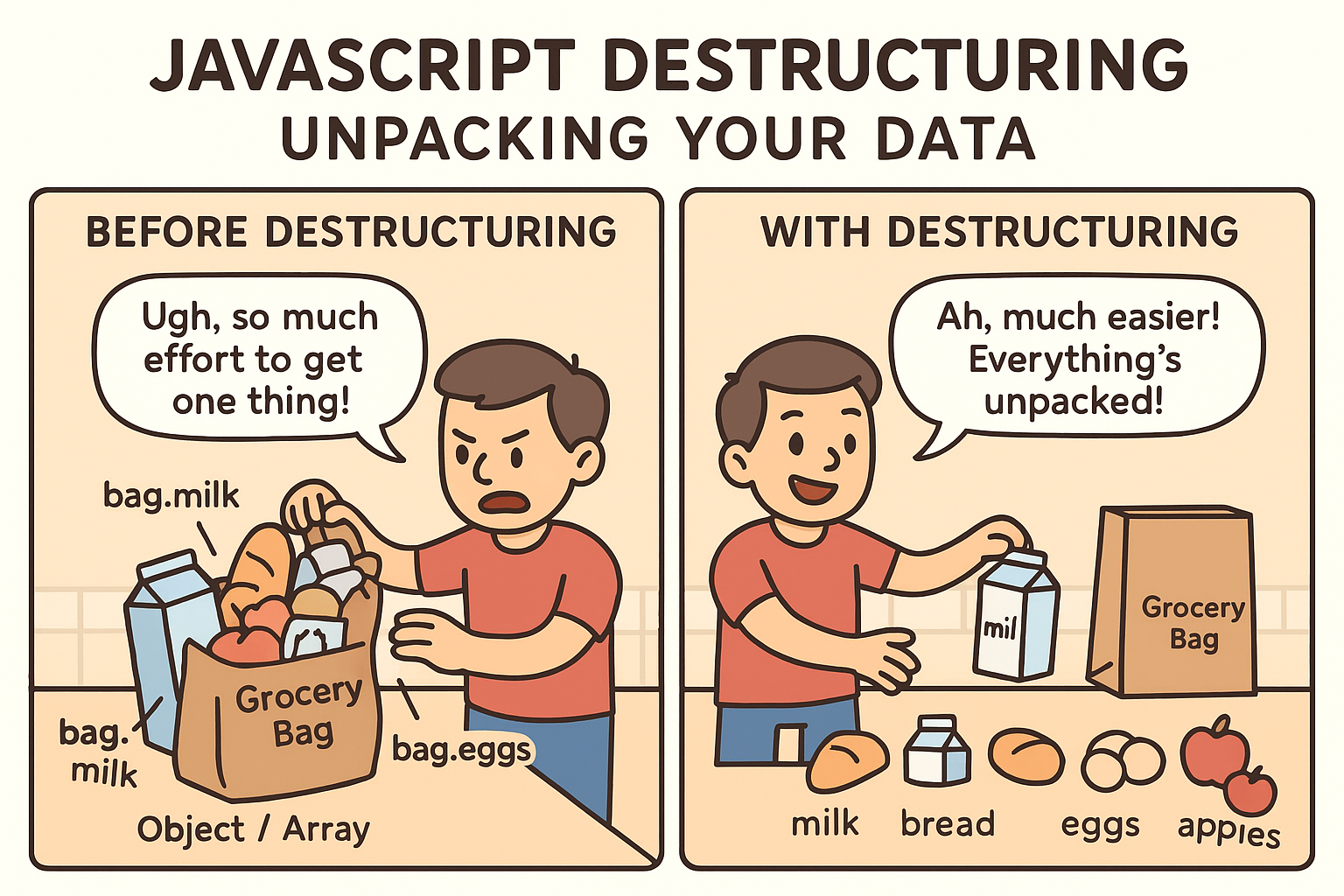
Destructuring is an ES6 feature that allows you to unpack values from arrays or objects into distinct variables in a clean and concise way. Instead of accessing values with indexes (arr[0]) or dot notation (obj.key), destructuring lets you extract them directly into variables.

Types of Destructuring

Syntax

Array Destructuring

const [var1, var2, var3] = array;

Object Destructuring

const { key1, key2 } = object;

Nested Destructuring

const { nestedKey: { innerKey } } = object;

Default Values

const { key = defaultValue } = object;
const [a = defaultValue] = array;

Rest Syntax

const { key, ...rest } = object;
const [first, ...others] = array;

Function Parameters Destructuring

function func({ key1, key2 }) {
  // use key1, key2
}

Advantages

Disadvantages

Reference Image

Spread & Rest Operators in JavaScript

Definition

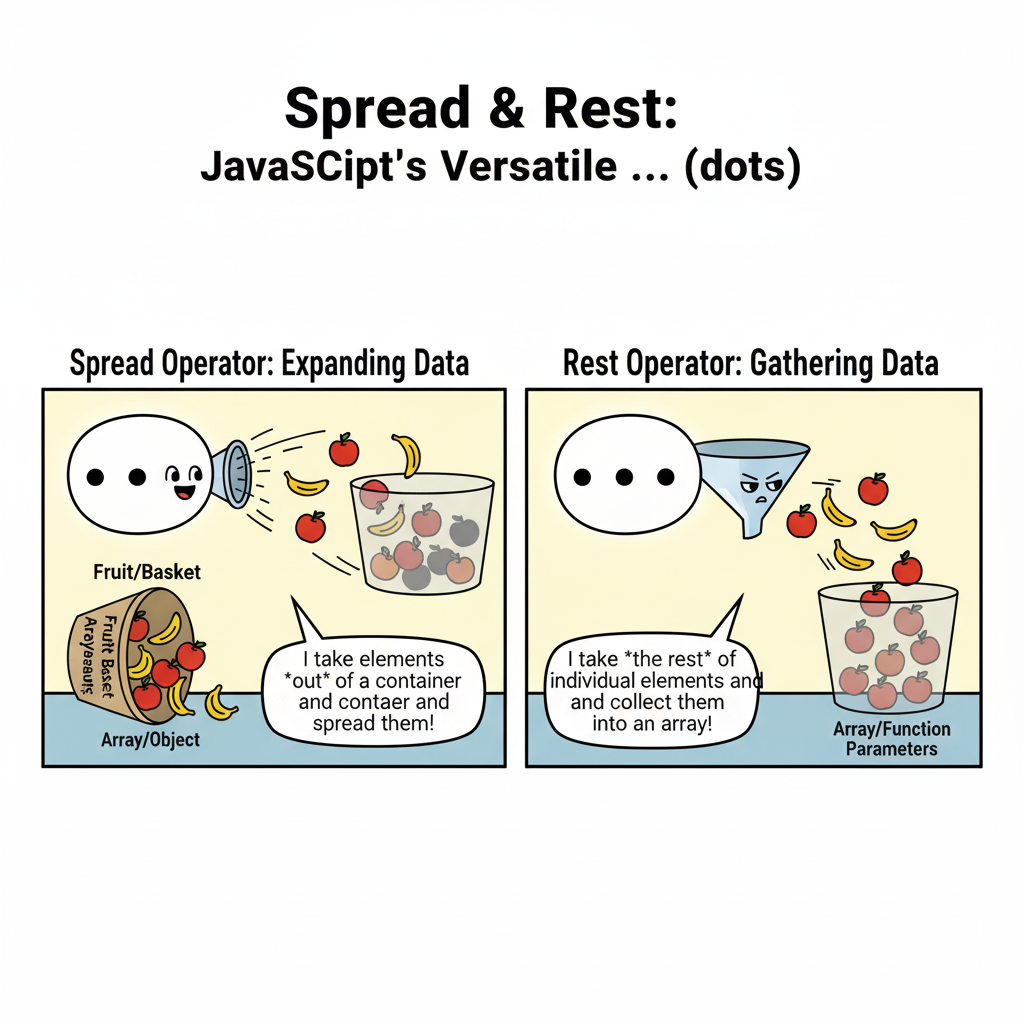
The three dots (...) in JavaScript can act in two different ways depending on context:

👉 Same syntax, different purpose depending on where it’s used.

Syntax

Spread Operator

// Arrays
const arr2 = [...arr1];
const merged = [...arr1, ...arr2];

// Objects
const obj2 = { ...obj1, key: value };

Rest Operator

// Function Parameters
function sum(...nums) { }

// Array Destructuring
const [first, ...others] = array;

// Object Destructuring
const { key, ...rest } = object;

Real-Life Analogy

Think of ... like a bag of candies 🍬:
Spread → You pour out the candies one by one (expand).
Rest → You scoop up multiple candies into a bag (gather).

Advantages

Disadvantages

Reference Image

JavaScript Modules (import / export)

Definition

Modules in JavaScript allow you to split your code into separate files and reuse them across projects. Introduced in ES6 (2015), they make code more organized, reusable, and maintainable. Works using export (to share code) and import (to use code).

Syntax

Export

// Named Export
export const value = 42;
export function add(a, b) { return a + b; }

// Default Export
export default function greet(name) { return `Hello, ${name}`; }

Import

// Import Named
import { value, add } from './file.js';

// Import Default
import greet from './file.js';

// Import Everything
import * as utils from './file.js';

// Rename Import
import { add as sum } from './file.js';

Rules of ES6 Modules

Real-Life Analogy

Think of modules like a restaurant kitchen 🍴:
The chef (export) prepares dishes.
The waiter (import) brings only what’s ordered.

Advantages

Disadvantages